NFL Games on Phone: How to Watch Legally in New York
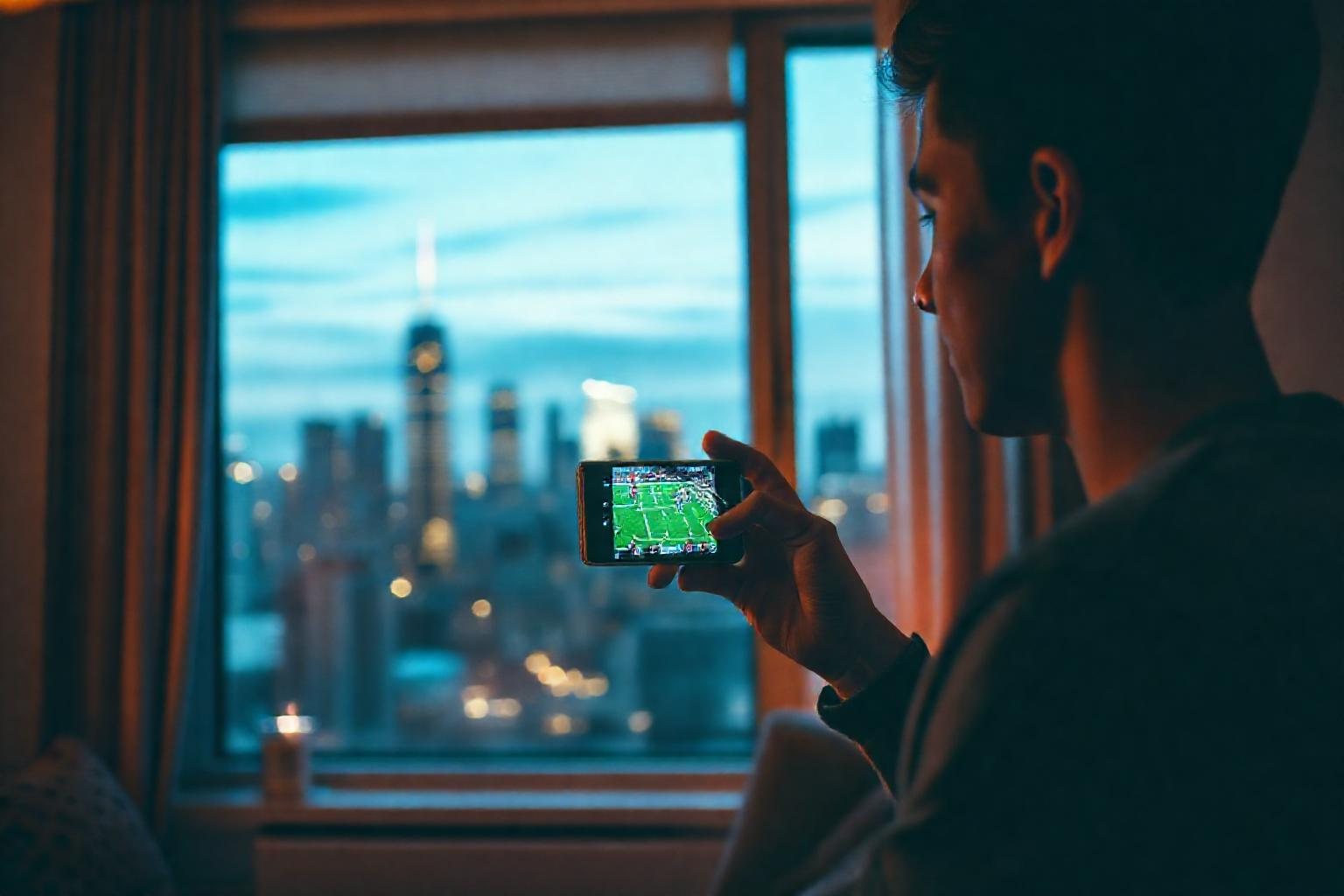
Yes, you can watch NFL games on a phone. In New York, the legal routes are the official league app, the mobile apps of the networks that broadcast games, and live TV or sports streaming services you can sign in to on your device. Which one works for a particular game depends on who is broadcasting it and where you are.
This guide explains how NFL games on phone actually work, what to set up before kickoff, and how blackout rules can affect you. It also covers what to do when you are on school or work Wi-Fi.
Can you watch NFL games on phone? The short answer
You can, and for most fans it takes less than five minutes to set up. Every major way of watching football on TV has a mobile counterpart, because broadcasters and streaming services all build apps for iPhone and Android.
The catch is that no single app carries every game. Games are split between broadcast networks, cable sports channels and streaming platforms, and the split changes from season to season. So the real question is not whether your phone can do it, but which app has the game you want this week.
The most reliable habit is to check the official league schedule, which lists the broadcaster for each game. Then open the matching app on your phone.
Legal ways to watch NFL games on phone in New York
New York fans are well placed, since both local teams are carried by local broadcast stations. Here are the main categories of apps you will run into.
Network and broadcaster apps
The broadcast networks that show NFL games have their own mobile apps. Some let you watch a live local feed, often after you sign in with a TV provider or a live TV subscription. Availability and sign-in rules differ by app, so read each app's help page instead of assuming.
The league's own app and subscription
The NFL offers an official app, and the league has sold a subscription product that includes live game access on phones and tablets under certain conditions. Features, limits and pricing change, so check the current details on the official site before you pay for anything. Look closely at which games are included on mobile and which are not.
Live TV and sports streaming services
Live TV streaming services bundle local channels and sports channels into one app. If you already have one on your TV, you can usually sign in on your phone with the same account. Our guide to Best NFL Streaming Services for New York Fans compares the kinds of services in more detail, and the article on legal ways to watch in NY covers the wider picture beyond mobile.
A quick comparison
- Network app: good for local and national broadcast games; may need a TV login.
- League app or subscription: good for following the sport and some live access; check what is included on mobile.
- Live TV service: best coverage in one place; usually a paid monthly plan.
- Over-the-air antenna at home: not a phone method, but a free way to catch local broadcasts on a TV.
How to get your phone ready before kickoff
Most streaming problems on game day come from preparation, not from the app. A few minutes beforehand saves you from missing the opening drive.
- Install and update the app. Do this the day before, because app stores can be slow when everyone downloads at once.
- Sign in ahead of time. Password resets and verification codes are much more annoying during a game.
- Test a live channel. Open any live stream for a minute to confirm video and sound work.
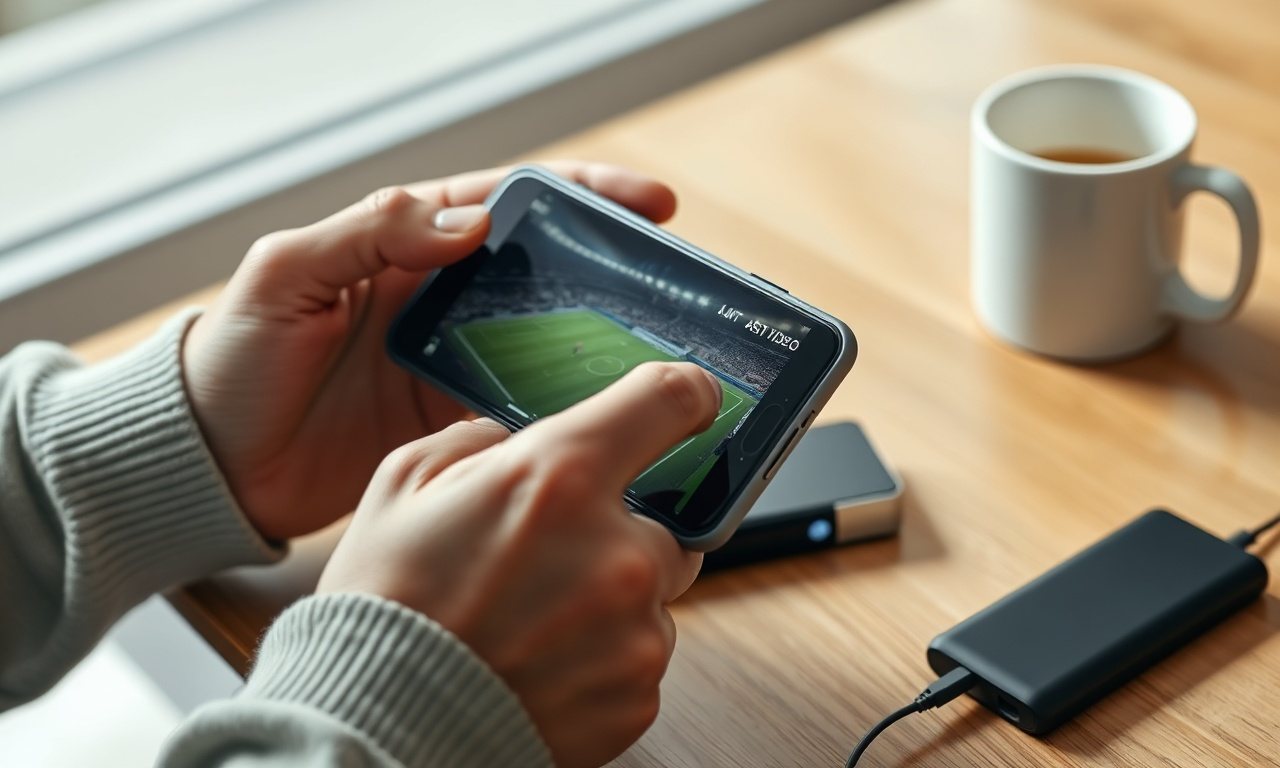
- Charge your phone. Video streaming drains a battery fast, so keep a charger or power bank nearby.
- Check your data plan. Live video can use a lot of data. Use Wi-Fi when you can and look at the quality settings if you have to use mobile data.
If the picture stutters, switch between Wi-Fi and cellular, close other apps and lower the video quality. Those three steps fix most buffering problems.
NFL blackout rules for online streaming on mobile
Blackout and regional restrictions are the most confusing part of watching football online. The idea is that a game's availability can depend on your location and on which service holds the rights.
On a phone, that usually shows up in two ways. A stream may follow your current location, so a game you can see at home may change if you travel. And some services limit certain games to specific devices or channels.
Because these rules are adjusted over time, do not rely on old forum posts or social media tips. Read the current policy on the league's website and in the help section of the app you use. If an app says a game is unavailable in your area, that is the rule working as designed, not a glitch you should try to get around.
Do not use sketchy "free stream" sites
Search results for football are full of sites promising every game for free. Treat them with caution. They are often unlicensed, they can be full of aggressive ads and fake download buttons, and they put your phone and personal data at risk.
Warning signs include:
- Requests to install a special player or "codec" before the stream starts.
- Pop-ups asking for card details to "verify your age."
- Links that open new tabs every time you tap the video.
- No clear information about who runs the site.
Sticking with official apps costs more effort or money, but you get a stable picture and no security headaches. If you want to know why this matters for games in general, our plain-English piece on how unblocked sites work explains the risks of unknown pages.
Watching on school or work Wi-Fi
Many students and office workers in New York wonder whether they can watch on a shared network. Often video streaming and gaming sites are filtered there, as explained in our article on why blocked games happen on school WiFi. Those filters are set by the network owner for a reason, and you should follow your school or workplace rules.
The simple approach is to wait until you are on your own connection, such as home Wi-Fi or your mobile plan, and watch there. If you are a student, game day is better enjoyed after class than during it.
Filling the gaps between plays
Football has plenty of downtime, such as timeouts, halftime and commercial breaks. Some fans like to fill those minutes with a quick browser game on the same phone.
Short games that load fast and do not lag are the best match. A sports-style game like Soccer Heads or Rocket Soccer Derby works well, especially if a friend is next to you and you want a quick head-to-head round. For a solo break, Slope is easy to pick up and put down.
Keep in mind that gaming and streaming at the same time can slow both, so pause the stream or switch to Wi-Fi if you notice lag.
Conclusion
Watching NFL games on phone is simple once you know where each game is shown. Check the broadcaster, use an official app, prepare your login and battery, and read the current blackout rules for your location. Avoid unofficial stream sites and respect school or workplace network limits.
When you want a short break between quarters, browse the game library on Classroom6x for quick browser games that run on a phone with no download.
Frequently asked questions
Does streaming football on a phone use a lot of data?
Live video is one of the heaviest things you can do on mobile data, and a full game adds up quickly. Usage depends on video quality, so check the video or data-saver settings in your app and prefer Wi-Fi whenever possible. Your carrier's usage page shows what you've used.
Can I watch my local New York team on my phone while traveling?
Often yes, but it depends on where you are and which service you use. Local broadcast streams usually follow your current location, so you may see a different local game than at home. Check the app's help page or the league's current rules before you travel.
Is there a free way to watch NFL games on a phone?
Some games are broadcast over the air, and certain network apps may stream local games, sometimes requiring a TV-provider login. Free options vary by game and season, so confirm on the official league and network pages instead of trusting unofficial sites that promise every game for free.
Why does my NFL stream keep buffering on my phone?
Buffering usually comes from a weak signal, a crowded network or a phone running too many apps. Switch between Wi-Fi and mobile data, close background apps, lower the video quality and restart the app. If it persists, test your connection speed or try another spot.