How Unblocked Game Sites Work: A Plain-English Guide
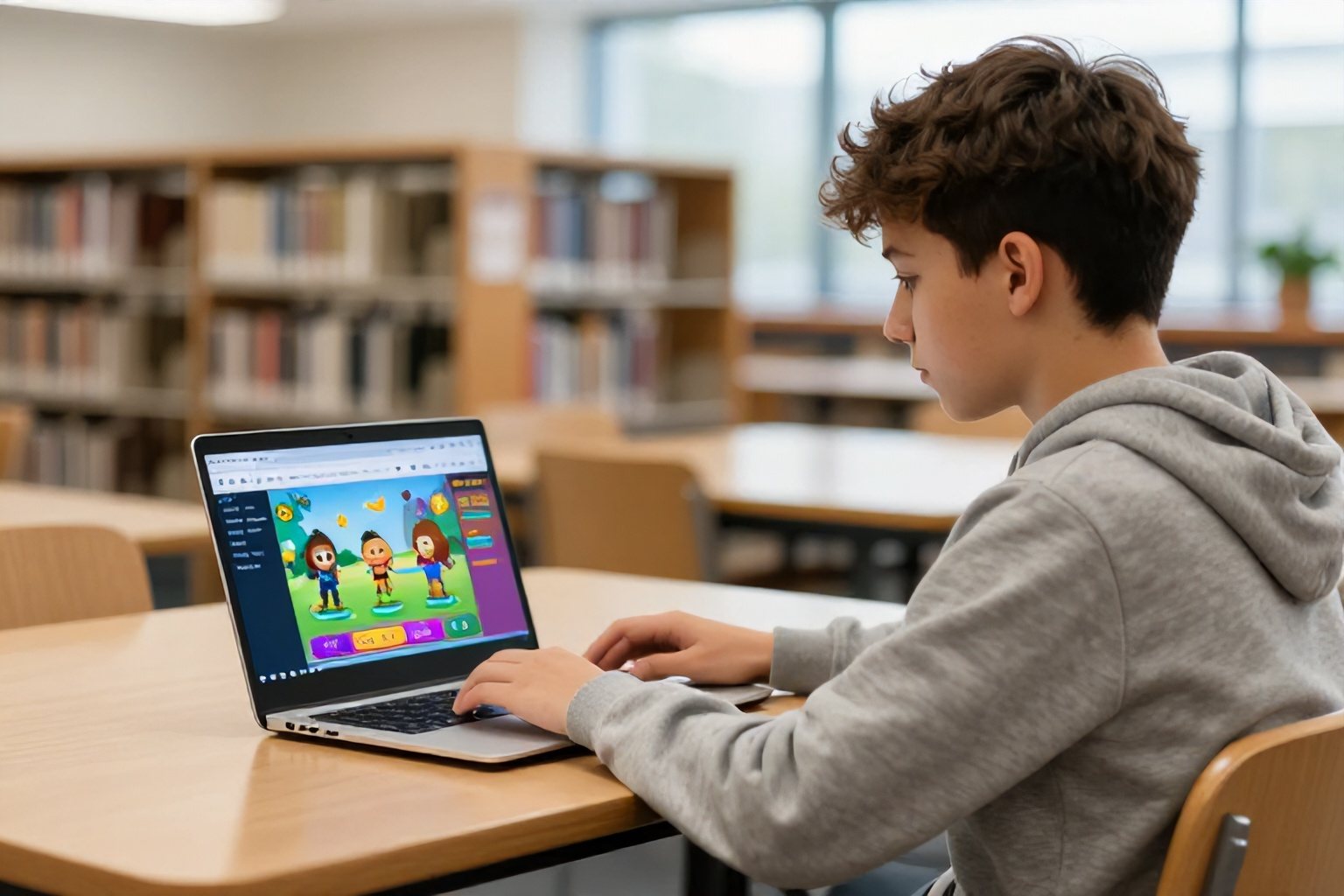
Unblocked game sites work by hosting browser games on web addresses that a school or workplace filter hasn't blocked. The games run directly in your browser, so there's nothing to install and no special software to set up. Whether a site loads depends on how the network's filter classifies it, not on any trick in the game itself.
Below is a plain explanation of what's happening behind the screen, why some games run smoothly while others stutter, and how to choose sites that are safe to use.
How do unblocked game sites work?
Three things come together: a game built for the browser, a website that hosts it, and a web filter that hasn't flagged that website yet. If any one of these changes, the game can stop loading.
Filters check addresses and categories
Most school and office networks use a web filter. It looks at the domain you're trying to open and compares it with block lists and content categories such as "games" or "streaming." If the address matches a blocked category, the page won't load.
An unblocked game site simply sits at an address the filter hasn't categorized or blocked. Nothing is being hacked or tunneled. The filter just hasn't caught up, or the site is classed differently from what it really offers.
Browser games need no installation
Modern browser games are built with web technologies like HTML5 and WebGL. Your browser downloads the game's code and assets, then runs them in a tab, much like a web page. That's why you can play on a Chromebook or a locked-down computer where you can't install apps.
Older games relied on Flash, which has been retired, so current sites rely on HTML5-based versions instead. If a game asks for a plugin or a download, treat it as a warning sign.
What sets unblocked game sites apart
An ordinary games portal and an unblocked one can look almost identical. The differences are mostly behind the scenes.
- Lighter pages: fewer scripts and heavy ads, so they load faster on shared Wi-Fi.
- Different hosting: the games may be served from addresses that aren't on common block lists.
- Browser-only play: no accounts, launchers or downloads.
- Simple catalogs: short games you can start in seconds and finish in a few minutes.
Because filters keep being updated, no unblocked game site stays reachable forever. A site that works today may be blocked next month, and a new one can appear in its place.
Do these games work without a VPN?
Yes. A well-built unblocked game site doesn't need a VPN, because it isn't trying to hide your traffic. It just uses an address the filter allows. That's the idea behind searches for games without a VPN: the game loads normally, and you don't have to change any settings.
Be careful with sites that claim to "unblock" things by routing you through a proxy. Those can slow everything down and may expose you to tracking or intrusive ads. For simple browser games, you don't need them.
One more point matters on a New York school network or any managed device: the filter is there because someone set a policy. Check your school's acceptable-use rules before playing, and save games for times when it's allowed.
Why some games lag and others don't
Lag is the most common complaint about unblocked games, and it usually comes from the connection or the device rather than the site. A school network is shared by hundreds of people, so speeds can drop at busy times. A low-memory laptop with fifteen open tabs will also struggle.
If you want games that don't lag, try these steps:
- Close other tabs and apps before you start.
- Choose simple 2D games over detailed 3D ones on older devices.
- Reload the page once if the first load stalls.
- Try a different time of day if the whole network feels slow.
- Turn off full-screen mode if the game stutters.
Light, fast games tend to run well almost anywhere. Slope is a good example: its simple visuals and quick restarts make it easy on weaker hardware.
Game types you'll usually find
Most unblocked game sites organize their libraries by style, and the same handful of categories show up again and again.
Two-player and multiplayer games
Two-player games usually share one keyboard, with each player using their own set of keys. Sports and fighting games suit this format well, and Soccer Heads is a classic quick-match option. Online multiplayer titles need a stronger connection, so they can be more sensitive to a busy network.
IO, racing and shooter games
IO games drop you into a shared arena with other players, and the rules are usually learned in under a minute. If you like fast shooters, Krunker shows how much a browser game can do. Racing titles tend to be lighter, which helps if you want smooth play on a basic laptop.
Puzzle and thinking games
Puzzle games are usually the lightest of all, so they rarely lag. A block-stacking game such as Teris works well for short breaks, since a round can be as long or short as you like.
How to find new unblocked game sites safely
Finding new unblocked game sites usually means searching and testing. Anyone can put up a page that claims to be unblocked, so take a few seconds to check before you click anything on it.
- Look for HTTPS: the padlock icon means your connection to the site is encrypted.
- Watch the ads: if pop-ups cover the game or redirect you, leave.
- Never download anything: real browser games don't need installers or extensions.
- Skip sign-ups: you shouldn't have to hand over personal details to play.
- Read the page title and description: clear, specific descriptions are a better sign than vague, keyword-packed ones.
It also helps to bookmark one or two reliable sites rather than hopping between random ones. A stable favorite saves time and lowers your risk.
Unblocked games versus NFL streaming
People often search for football and unblocked games together, but they're different things. A browser game loads from a web page and works with most filters. A live NFL stream depends on broadcast rights, your location and your provider, so a filter-friendly address won't change what you're allowed to watch.
Blackout rules and which games air on which service change from season to season. For anything about this week's schedule or blackouts, check the league's official information and your streaming provider's listings rather than relying on a game site. If you just want football-style fun in a browser, a simple arcade-style game can fill the gap.
Wrapping up
Unblocked game sites work because browser games run without installs and because their addresses haven't been flagged by a web filter. That also explains why they come and go, why some lag, and why picking a clean, simple site matters. Follow your school or workplace rules, keep an eye out for pop-ups and downloads, and favor light games for a smoother experience.
When you're ready to play, browse the Classroom6x library for quick browser games that need no download, from puzzle and racing titles to two-player matches.
Frequently asked questions
Are unblocked game sites safe to use?
Many are fine, but safety varies from site to site. Stick to sites that load over HTTPS, avoid anything asking you to download software or install extensions, and close pop-ups that promise prizes. A browser game should never need your password, email or payment details.
Why do unblocked games stop working on school Wi-Fi?
Filters are updated regularly, so a site that loaded last month may now be categorized and blocked. Networks can also limit bandwidth during busy periods. When a site disappears, it usually means the address was added to a block list, not that your device is broken.
Do unblocked games work on a Chromebook?
Yes, most do. Modern unblocked games run in the browser using HTML5 or WebGL, so they don't depend on the operating system. Performance depends on the Chromebook's memory and the number of open tabs, so closing other tabs usually helps.
Is playing unblocked games at school allowed?
That depends on your school's acceptable-use policy. Many schools allow games only during free periods or not at all. Check your school's rules or ask a teacher or IT staff before playing on a school network or device.