Unblocked Football Games for School: What to Pick
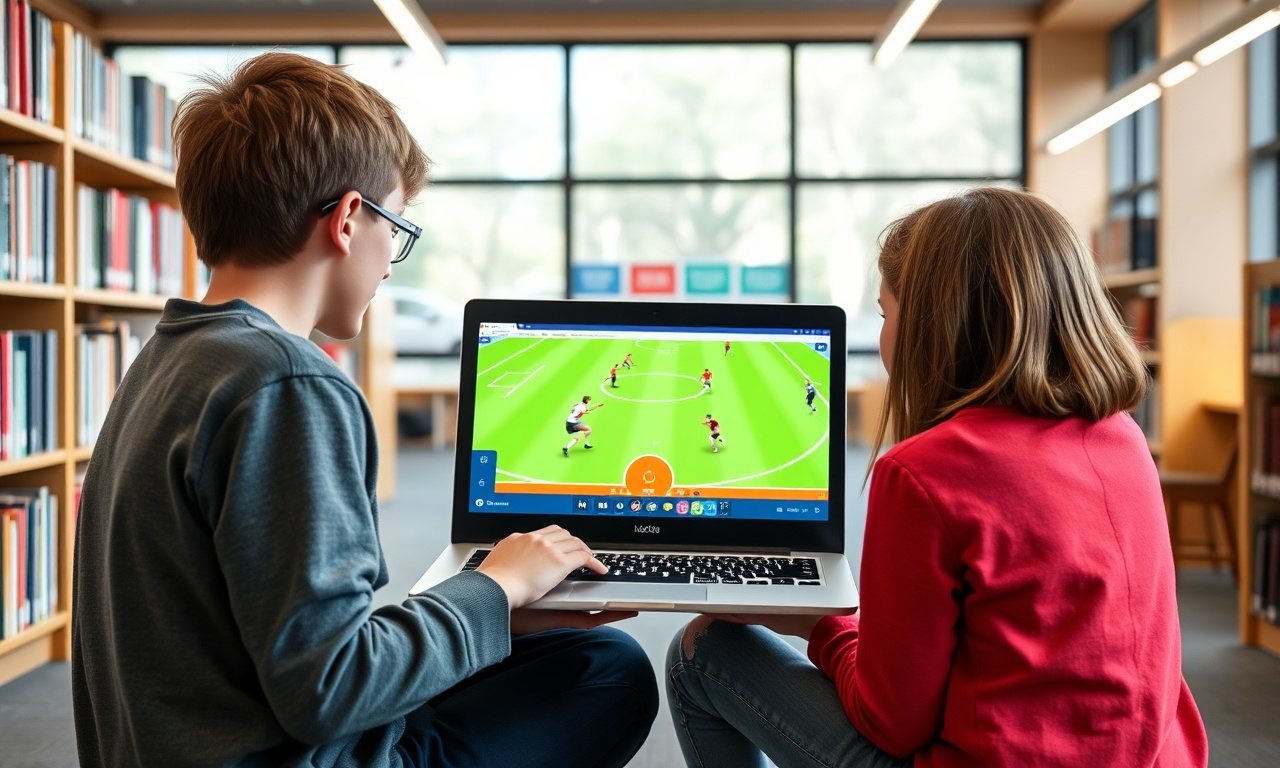
The best unblocked football games for school are simple browser games that load fast in a normal tab, need no download, and finish a round in a few minutes. For most students that means arcade-style soccer games, with a few gridiron-style picks if you want American football. This guide explains how to choose, what to check first and where to start.
What are the best unblocked football games for school?
There is no single winner, because "best" depends on what you want: a quick solo match, a two-player rivalry or something that runs smoothly on a slow Chromebook. The strongest picks share a few traits.
- They run in the browser. No installs, no extensions, no account.
- Rounds are short. A match that ends in two or three minutes fits a free period.
- Controls are easy. A few keys or the mouse should be enough.
- They stay light. Simple graphics usually mean fewer slowdowns on a school network.
- They have a local two-player mode. This is what makes a sports game fun with a friend.
If a game meets most of that list, it is a safe bet to try. If it asks for downloads or personal details, skip it.
Football or soccer? Know what you are searching for
In the US, "football" usually means the NFL-style game, but many browser titles under that label are actually soccer. This catches people out: you search for football and get a goal-and-net game, or the other way around.
Soccer-style games dominate the browser world because they are easy to build and easy to play on a keyboard. American football browser games exist too, but they are less common and often more complex, with plays, downs and clock rules to learn. If you want a pick-up-and-play experience, a soccer-style game is usually the faster route.
Read the game description or a screenshot before you start. It takes ten seconds and saves you from opening the wrong sport.
Where to start on Classroom6x
Classroom6x lists many browser games, and a few fit the football and soccer mood. Check each game page for the controls and any two-player instructions, as they vary from title to title.
Soccer-style picks
Soccer Heads is a natural first stop if you want a quick match, as the name suggests a head-to-head soccer game. It is the kind of title that tends to suit short sessions.
For something with a different twist, try Rocket Soccer Derby. It leans toward the vehicle-and-ball style of sports game, so give yourself a round or two to get used to the controls.
When you want a break from sports
Sometimes the match is over and you still have a few minutes. A puzzle like Teris works well for calm, focused play. If you prefer fast reflexes, Slope is a quick alternative that needs very little setup.
How to check a football game before you commit
A thirty-second test saves a lot of frustration. Run through these steps before you settle on a game.
- Load it once. If the page takes a long time to open, it will probably be slow during play, too.
- Look at the controls. Find out if it uses arrow keys, WASD or the mouse. Two-player games usually split the keyboard.
- Play one short round. You will quickly feel input delay or stutter.
- Watch for pop-ups. Repeated ads or download prompts are a reason to leave.
- Note how long a match lasts. If you only have a few minutes, avoid long tournaments.
Unblocked football games for two players
Two-player mode is where sports games shine. On one shared computer, each person gets their own keys, so you can play without any online setup. That is also better for school networks, because nothing needs to connect to another player's device.
A few habits help. Agree on the key layout before kickoff, sit so both of you can reach the keyboard, and play best-of-three rounds so a session ends cleanly when the bell rings. If a game has no local two-player mode, it will usually say so on the page, and you can move on to another.

Keeping games from lagging
Nobody enjoys a match that stutters. Lag on a school device usually comes from one of three things: too many open tabs, a busy network or a game that is heavy for the hardware.
- Close tabs you are not using, especially video and document tabs.
- Restart the browser if the device has been on for a long time.
- Choose games with simple graphics before trying heavier ones.
- Try again at a quieter time if the network is crowded.
No game can promise zero lag on every device. If one title keeps struggling, treat it as a poor match for that computer and pick another.
Playing at school without causing trouble
How to play unblocked games at school comes down to respecting the rules. Play only when it is allowed, such as free time or a break, and never during lessons. Do not try to bypass the filter with tools your school forbids. A VPN is often against acceptable-use policies, and many browser games do not need one anyway.
If a site is blocked, that is the school's decision. Try a different game, or ask a teacher or IT staff what is permitted. Our guide to how blocked games happen on school WiFi explains why filters behave the way they do.
Finding new game sites safely
When you look for new sources, favor sites that run games directly in the page and show clear categories. Be careful with any site that asks you to install something, shows many aggressive ads or wants an email address just to play. A clean, simple site is almost always the safer choice.
Watching the NFL is a different thing
Some readers search for football games because they want the real NFL, not a game. Browser game sites do not offer live broadcasts. Live games come from official broadcasters and streaming services, and what you can watch depends on your location and any local blackout rules. Those rules change, so check the league's or your streaming service's own help page for current details rather than relying on a third-party summary.
Conclusion
The right unblocked football games are quick to load, easy to learn and fun for a short session, alone or with a friend. Start with a soccer-style pick, run a quick test round and keep your play within school rules. When you are ready, browse the Classroom6x library, open a game page and see which one fits your next free period.
Frequently asked questions
Are unblocked football games safe to play at school?
Safety depends on the site, not the game. Choose sites that run games in the browser without asking you to download files, install extensions or enter personal details. If a page pushes pop-ups or downloads, close it. Also follow your school's acceptable-use policy about when you may play.
Can I play unblocked football games with a friend on the same computer?
Many browser sports games have a two-player mode where each person uses a different set of keys on one keyboard. Check the game's controls screen or description before you start. Two-player games are usually a good fit for a free period because rounds are short.
Why do some football games lag on a school Chromebook?
Lag usually comes from a busy school network, too many open tabs, or a game that is heavy for a low-powered device. Close other tabs, try a simpler game, and restart the browser. If one title still stutters, it may simply be too demanding for that device.
Do unblocked football games work without a VPN?
Many browser games run in a normal tab and need no VPN. Whether a particular site loads depends on your school's filter. A VPN may also break school rules, so try a different game or ask a teacher or IT staff about permitted options.
Can I watch live NFL games on an unblocked game site?
No. Game sites offer playable games, not licensed live broadcasts. Live NFL games are shown through official broadcasters and streaming services, and availability can depend on your location and local blackout rules. Check the league's or the service's own help pages for the current details.